Kids enter a class code, run short logic missions, and earn skill stars. Teachers see the evidence — accuracy, exit checks, learning outcomes — without sifting through dashboards.
One install. Two front doors. Kids never see teacher screens, teachers never see the kid game chrome. Each side is shaped to its job.
Kid side
Mission-based, low pressure, never timed.
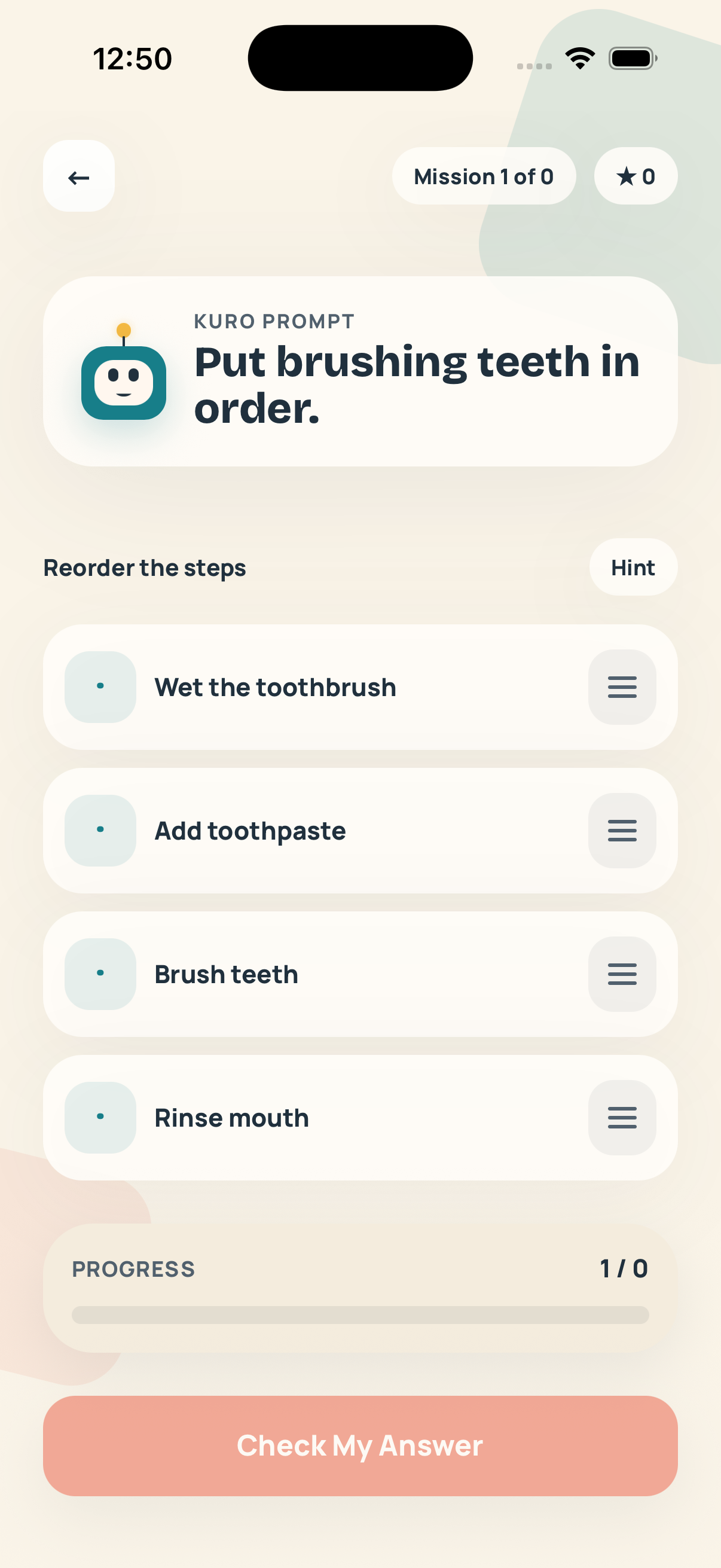
A friendly mascot walks them through ordering, predicting, and spotting mistakes — the building blocks of debugging. No login, no chat, no leaderboard.
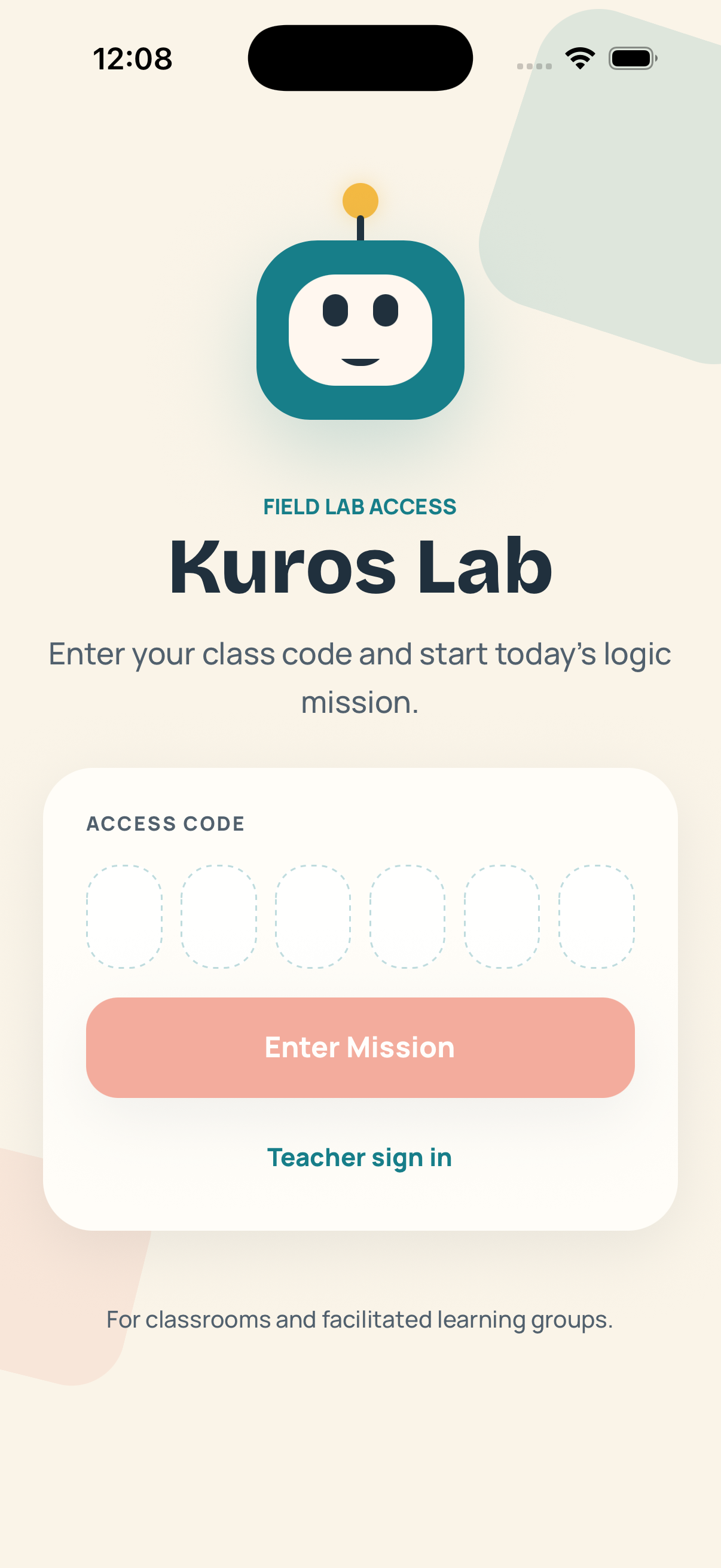
01Class-code entry. No accounts, no passwords. The teacher controls access.
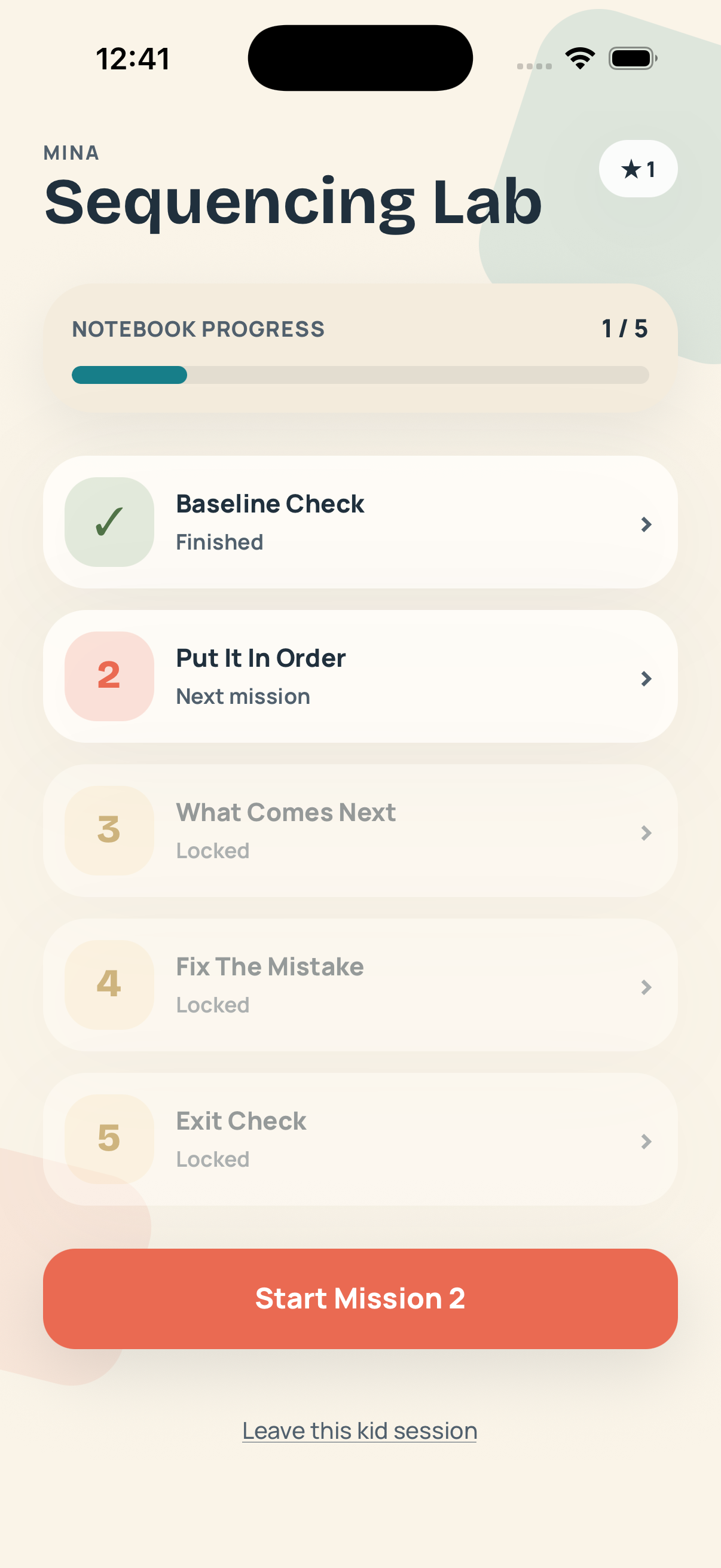
02Five-mission unit. Baseline → put it in order → what comes next → fix the mistake → exit check.
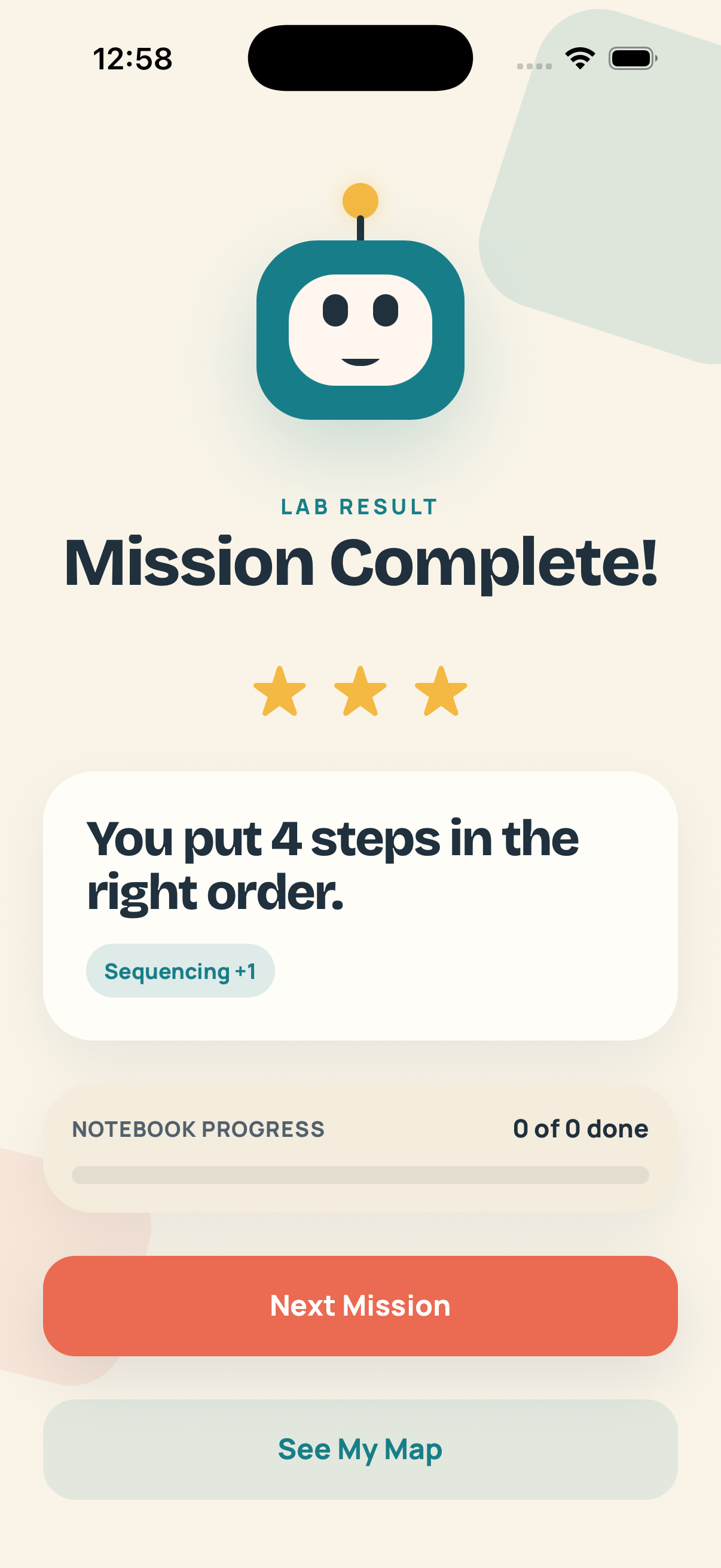
03Skill stars. Sequencing +1, Debugging +1 — kids see the actual skill, not just a score.
Teacher side
Evidence-first dashboard. No fluff stats.
See baseline vs. exit check, current accuracy, and learning-outcome progress for every kid. Every metric maps to a classroom decision.
01Adult sign-in. Secure on-device session, separate from the kid flow.
02Class accuracy at a glance. Spot who's struggling without opening every kid's screen.
03Exit-check confirmation. Know the unit landed before assigning the next one.
Kid flow · 90 seconds end-to-end
From class code to skill star, fast.
Most missions take a kid 60–120 seconds. The whole loop is designed so a single class period covers an entire learning unit, with room for the teacher to discuss results.
01 / Enter
Tap in the class code.
Six characters from the teacher. No password.
02 / Choose
Pick a mission.
The next one is always one obvious tap.
03 / Solve
Do the activity.
Reorder, choose, debug. One thing at a time.
04 / Earn
Earn a skill star.
Real learning label, not just points.
Teacher evidence
See the unit landed.
The teacher home shows one card per kid: their baseline check, current accuracy across the unit, and exit-check status. No graphs to learn, no dashboards to tune.
→Live during class. Watch progress as kids work.
→Per-skill outcomes. Sequencing, debugging — see them separately.
→Exit-check gate. Don't promote a kid until the unit really landed.
Comet Crew · Grade 3Wed · 14:22
Mina K.+24%
Rafe O.+18%
Cora L.+6%
Jio P.+22%
Asher T.+14%
Designed for classrooms
Trust isn't a tagline. It's the architecture.
We built Kuros Lab so the rules of a classroom apply: adults control access, kids never face a stranger's screen, and nothing gets sold to anyone.
No kid accounts
Kids enter via teacher-issued class codes. No emails, no passwords, no kid identity to leak.
No ads, ever
Not in kid mode, not in adult mode. We don't run an ad business and never will.
Families Policy compliant
Designed against Google Play's Families Policy and US COPPA from the ground up, not bolted on.
Teacher-managed data
The teacher owns the class. Access codes can be rotated or revoked any time.