01 / Link safely
Connect to a learner with the class code and nickname you already know.
Parents do not need a child account. The link flow confirms the classroom context first, then opens a read-only parent view.
For parents
Kuros Lab gives parents a separate browser view for linked learners. You can follow class activity and progress while the child experience stays simple, guided, and teacher-managed.
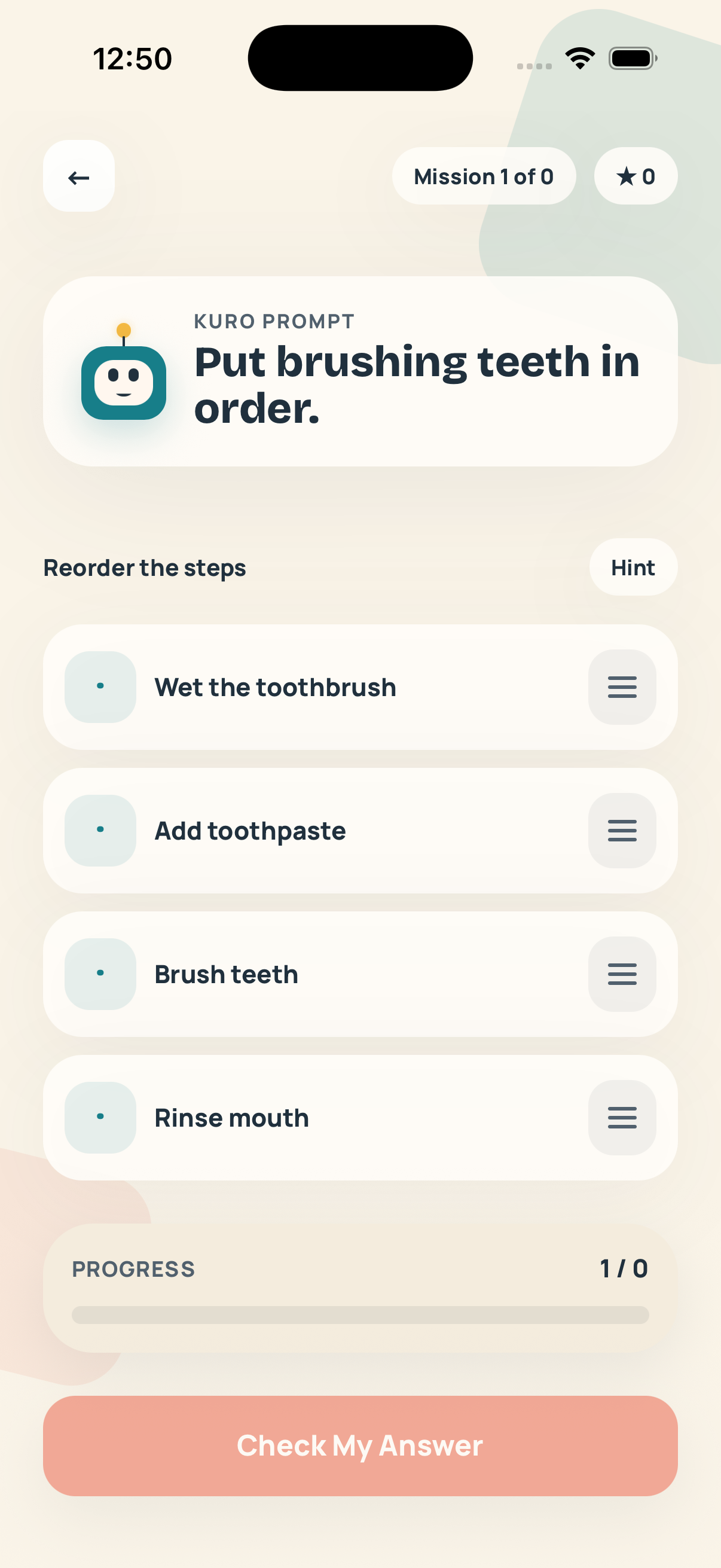
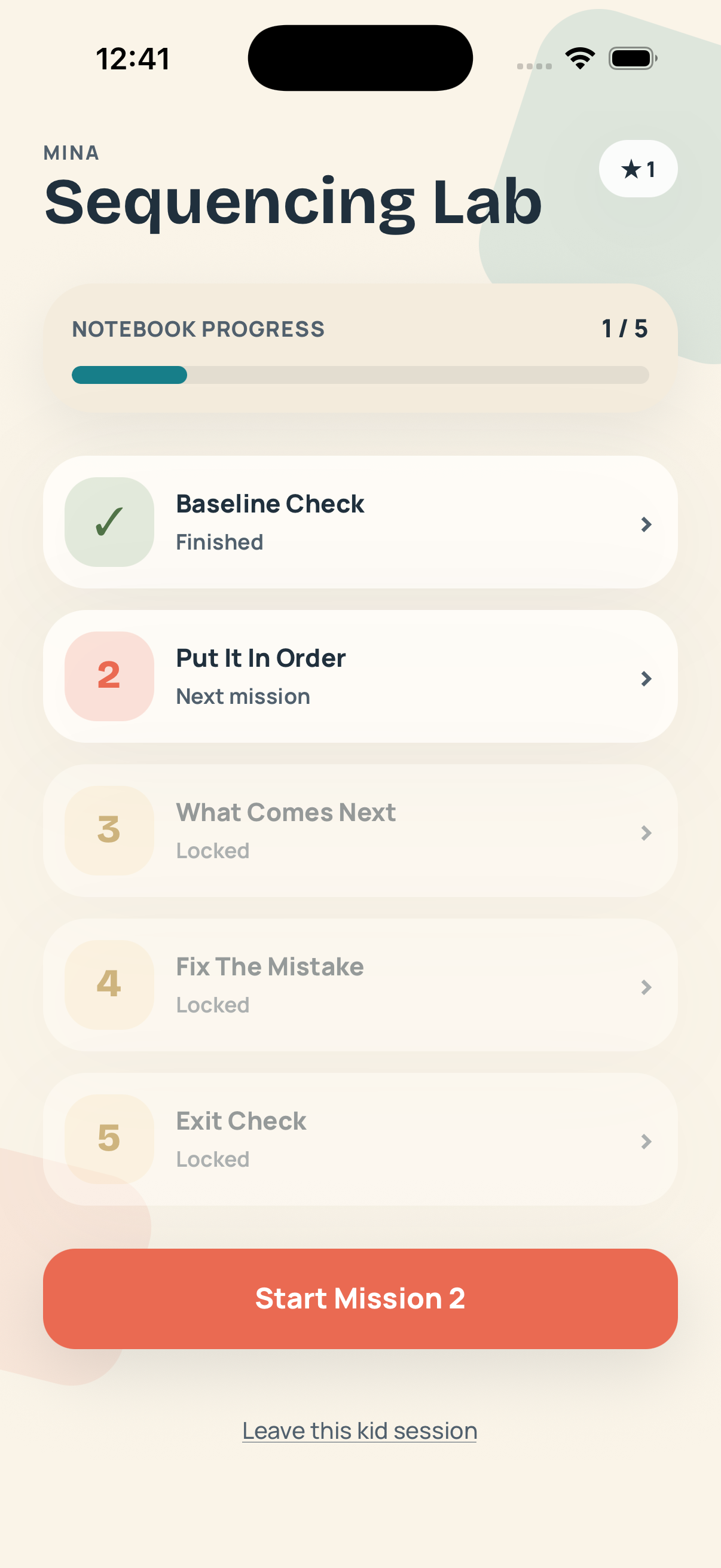
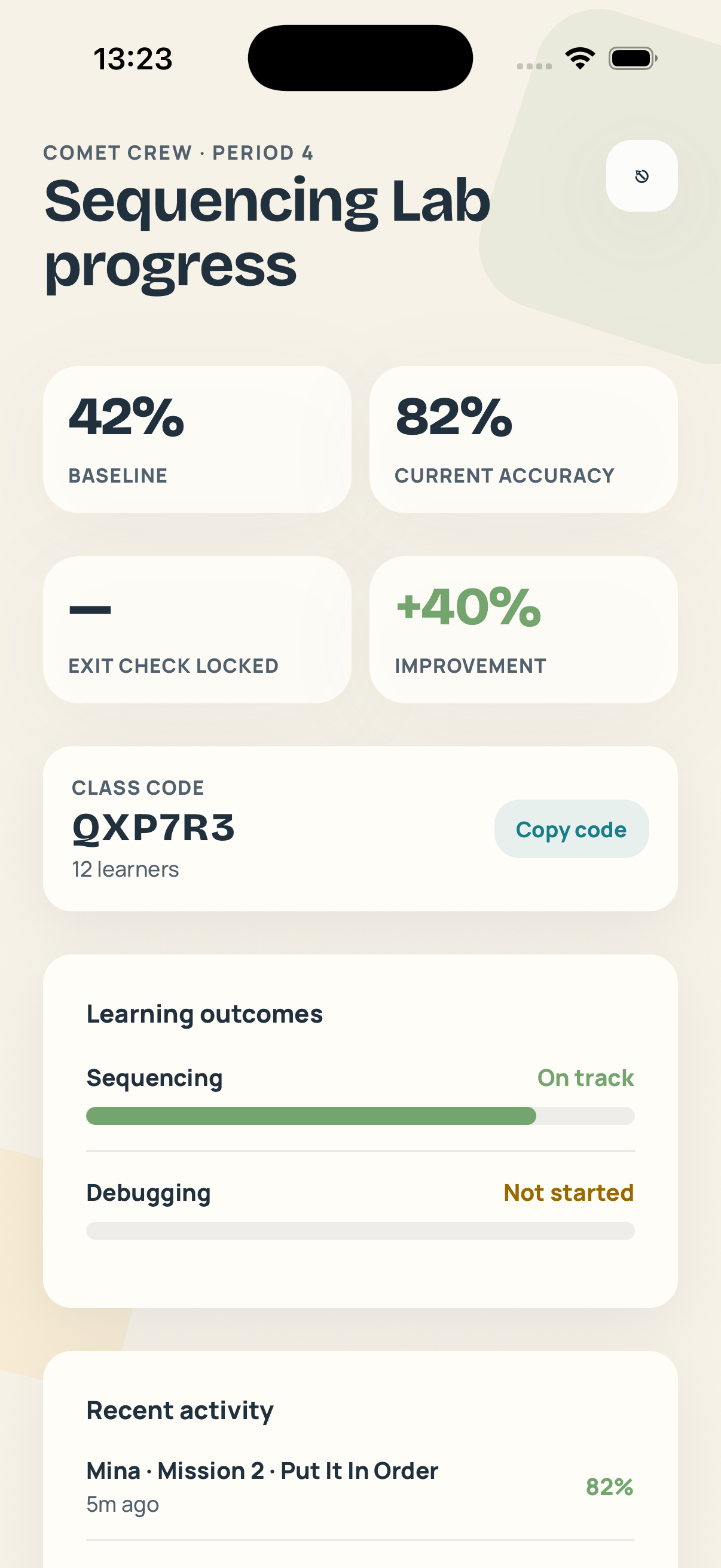
The parent surface is intentionally narrow: a calm read-only dashboard for understanding progress, not a second classroom workflow.
Parents do not need a child account. The link flow confirms the classroom context first, then opens a read-only parent view.
You can see outcomes, recent mission activity, and whether the learning unit is moving forward without interrupting the teacher flow.
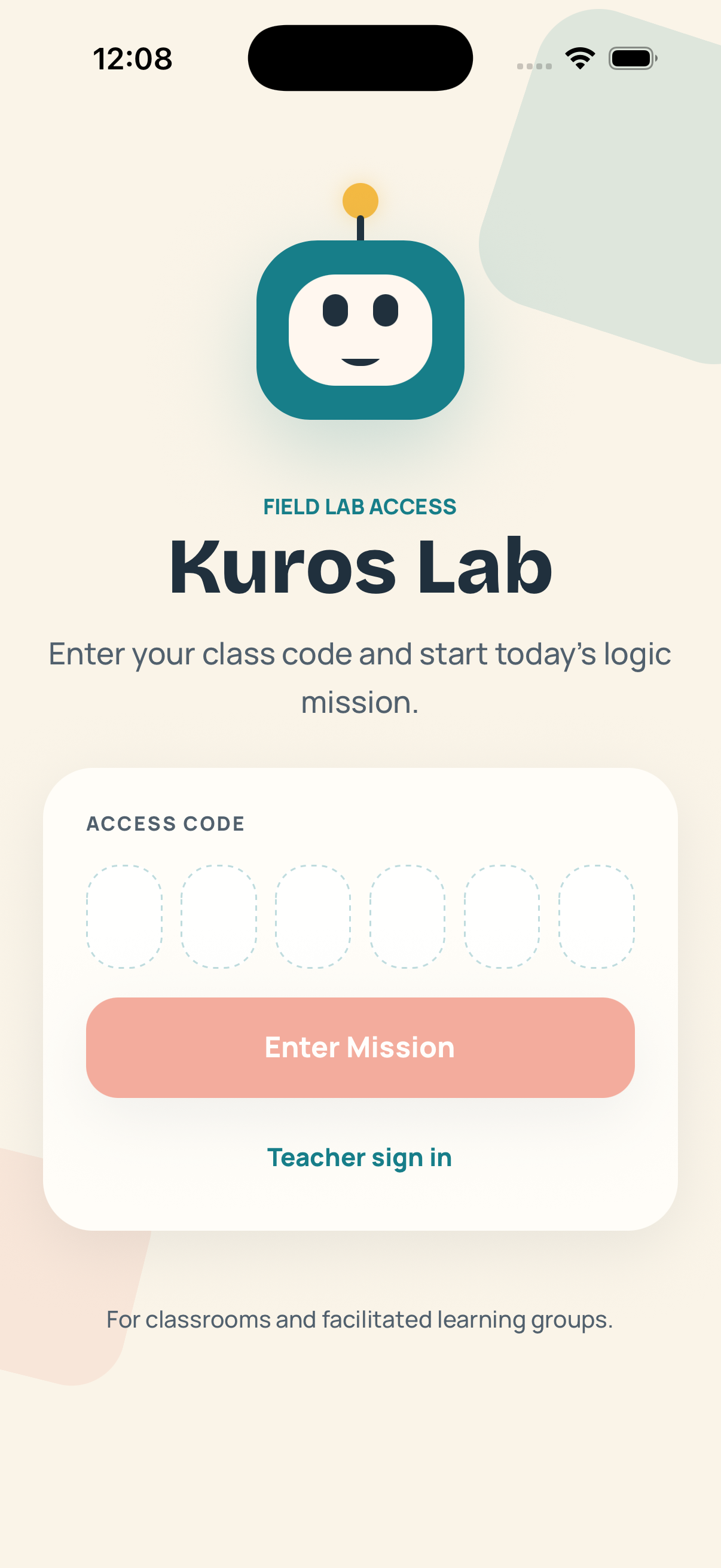
No chats, no feeds, no social layer. Parents get a separate web dashboard while children continue entering through teacher-issued class codes.
What parents get
Parents can check whether a child is completing missions, how outcomes are trending, and what the latest class activity looked like. Teachers keep control of the class, and kids never need to switch into an adult mode.
Early access
Request parent access and we will queue your account for the read-only family dashboard. The intake form opens with the parent role already selected.